How to generate a hypotension avoidance strategy medication plan
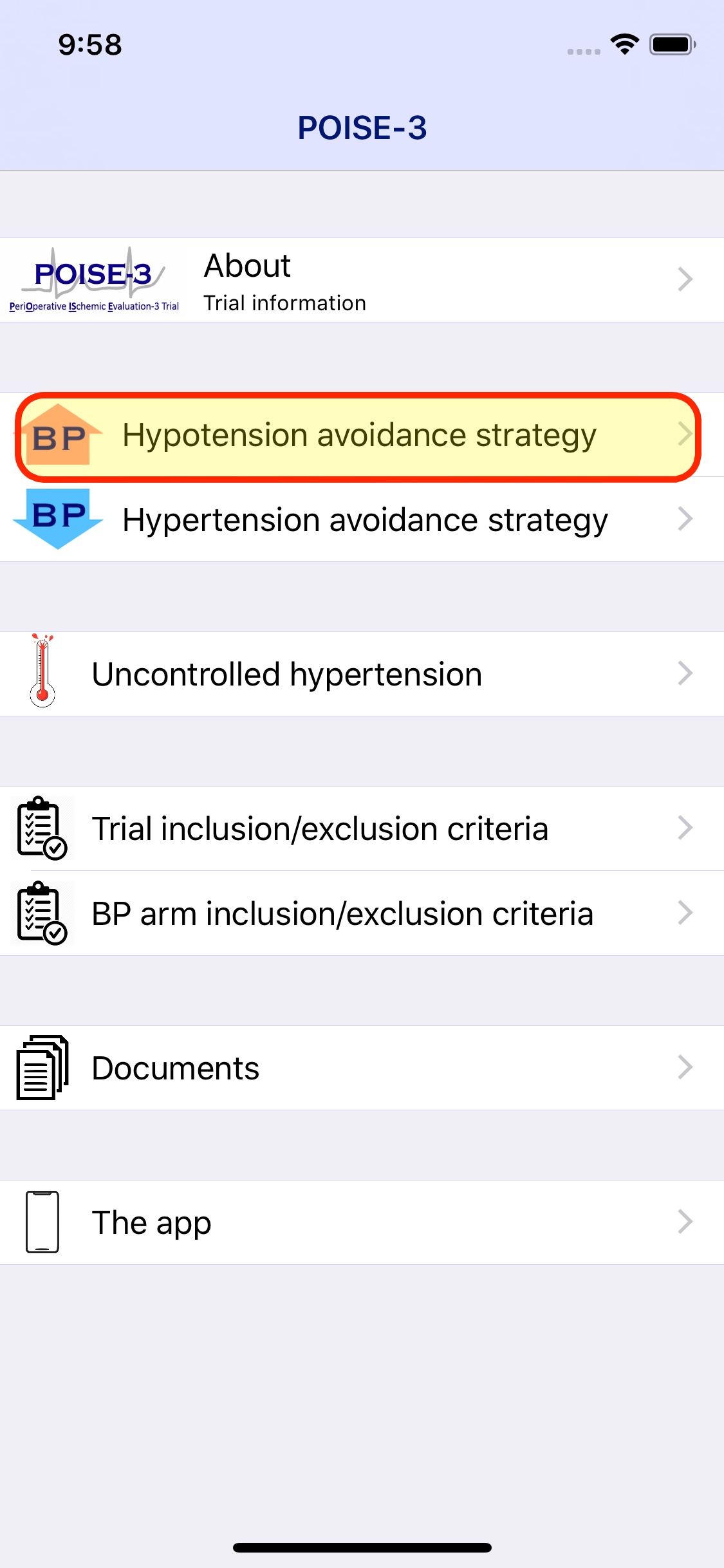
From the main menu select the hypotension avoidance strategy
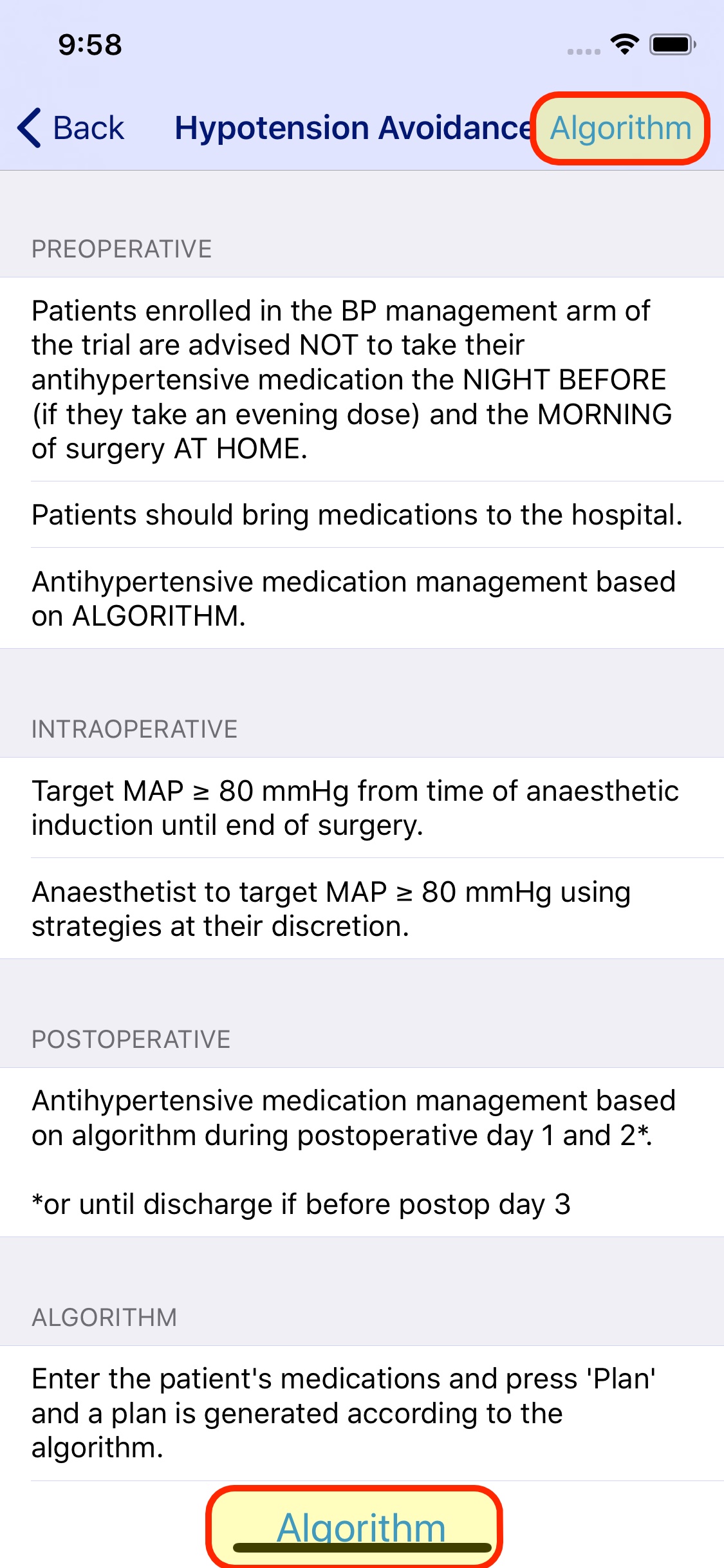
Select algorithm to start entering medications
You will see the list of the patients medications. Initially it will be blank. Press the add (+) button to add

Search for the desired medication.
Generic or trades can be used.
There is a search bar to quickly find medications.
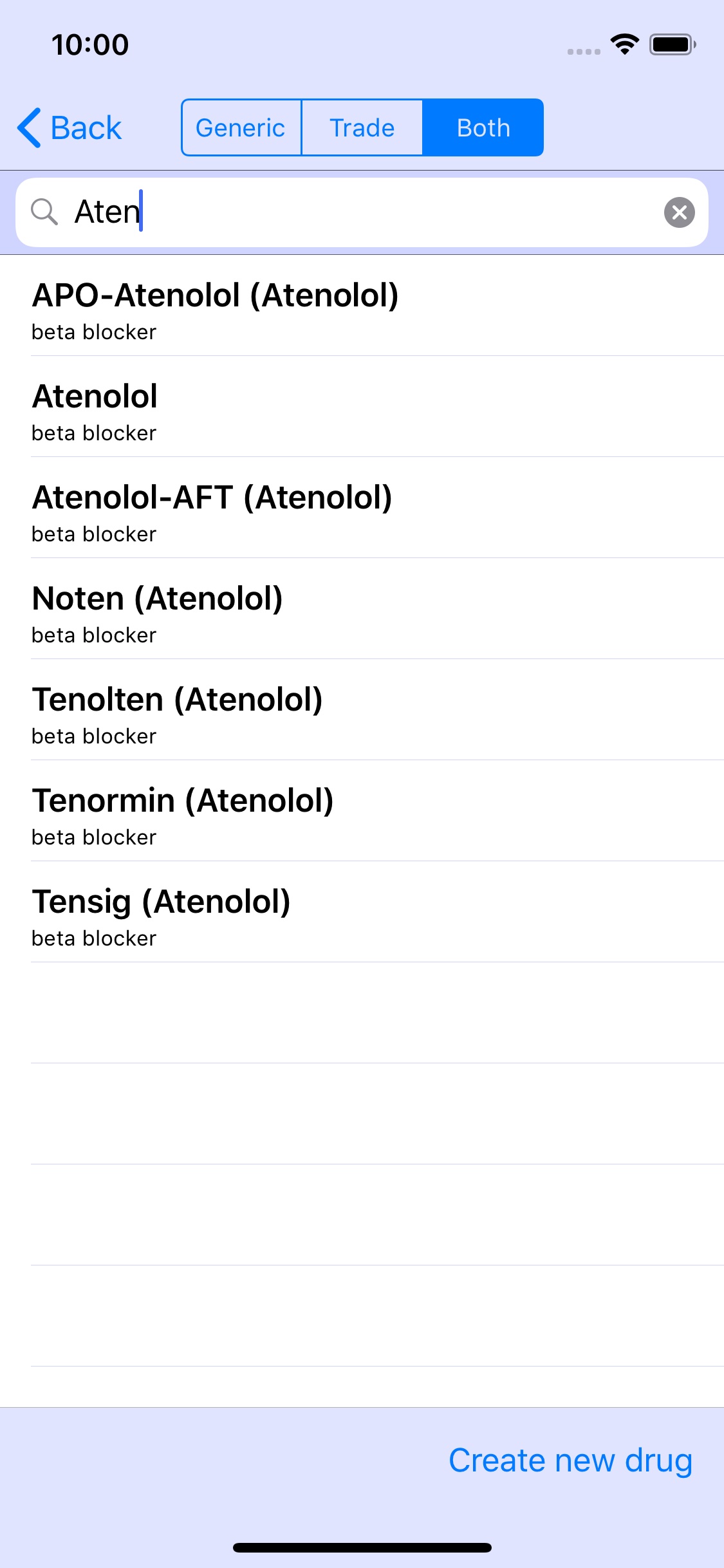
Tap on a medication to add to the patient’s medication list.
This takes you back to the medication list.
Further medications can be added.
Medications can be deleted by swiping over the medication from right to left.
When ready, tap the plan button (right lower corner)

Press the finished button (right upper corner) to either clear the list or email the plan
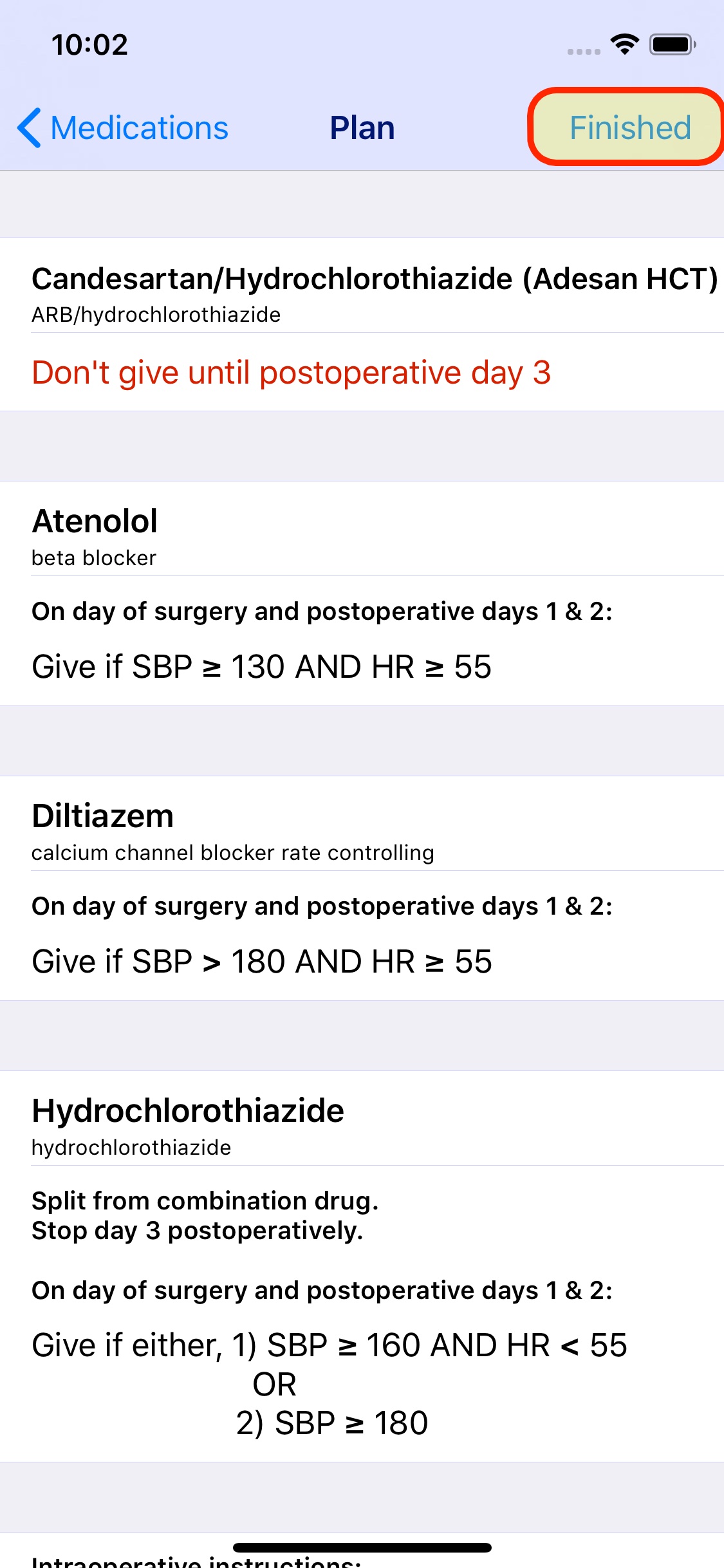
When emailing the plan, you are asked for a Patient Study Identifier. You shouldn’t use the patient’s name (to preserve patient privacy).
Enter your email address, modify the email as desired before sending the email.

The Hypertension Avoidance Strategy
Uses the same plan for each patient so no medications are entered.
 KerbCoding